
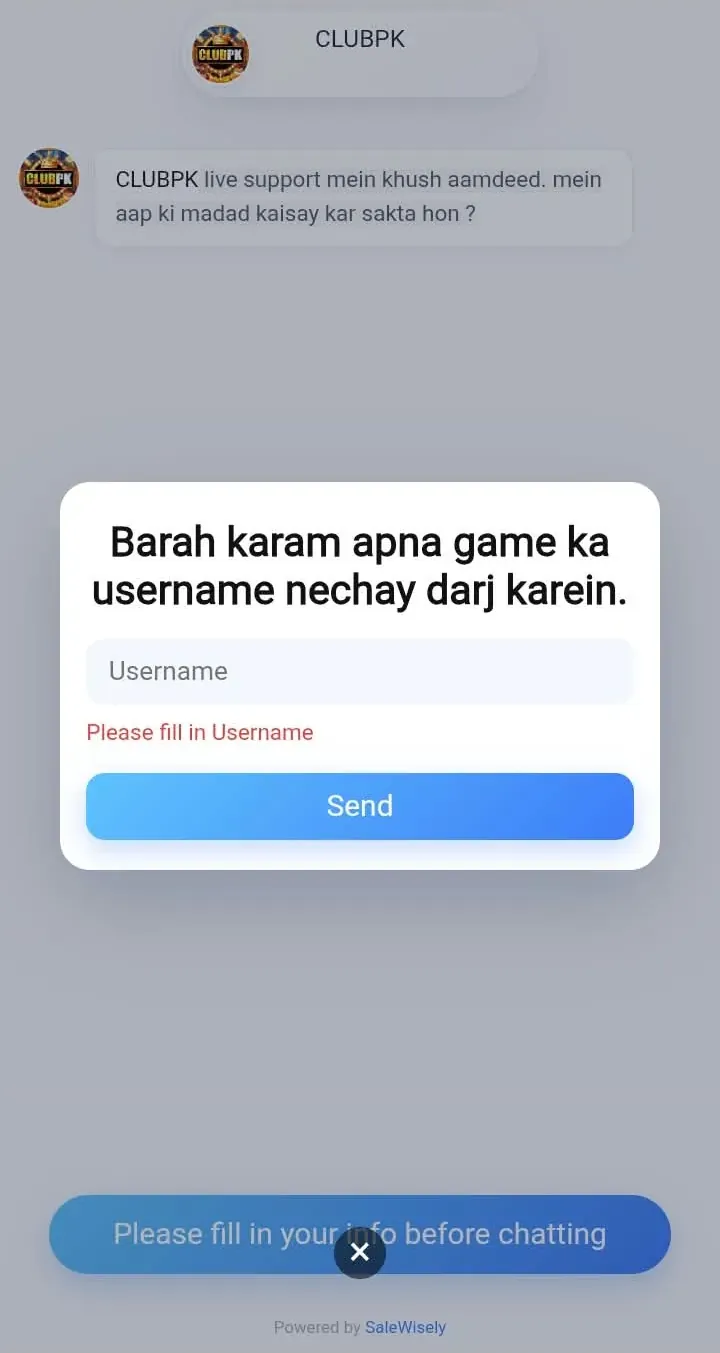
The ClubPK support team can help with account, payment and app questions. Sending the right details in your first message can help support sort out your issue more quickly.
Official support channel: Live chat support inside the ClubPK app. Tap Services on the app's home screen.
Other contact details: Live Chat: Available 24/7 inside the ClubPK App. Tap the headset icon on the main screen to start a conversation. Average response time: under 5 minutes.
Support hours: Support operating hours: 24 hours a day, 7 days a week including public holidays. For urgent payment issues, have your transaction reference number and payment screenshot ready before contacting support.
Before You Contact Support
Many issues have a quick fix. Check these guides first:
- App or install issues: ClubPK APK Download
- Account access: ClubPK Login & Register
- Payments: ClubPK Deposit & Withdrawal
- Common questions: ClubPK FAQ
Common Support Topics
Login Problems
Include your username or account details (never your password), what error you see and what you have already tried.
Registration Problems
Describe which step fails and any error message shown on screen.
Deposit Problems
Include the transaction or reference number, amount, payment method (Easypaisa or JazzCash), date and time, and a screenshot of your wallet receipt.
Withdrawal Problems
Include the withdrawal amount, date and time, payment method and current status. Remember that normal processing is around 1–20 minutes, and during wallet maintenance it can be around 20 minutes to 1–2 hours.
Wrong Transaction ID
Send the correct reference number and your payment receipt as soon as possible. Do not send a second payment to fix the first one.
Pending Transactions
Share the transaction details and how long it has been pending. Do not resubmit the same request.
APK or Download Problems
Tell support your phone model, Android version and the error message you see.
General Questions
Keep your message short and clear, and include your account username if the question is about your account.
What to Include in Every Message
- Your account username
- A short, clear description of the problem
- Transaction or reference number (for payments)
- Amount, payment method, date and time (for payments)
- Screenshots, where useful
Stay Safe When Contacting Support
- Never share your password, OTP, verification code or wallet PIN.
- Use only the official support channel listed on this page.
- Be careful with anyone who contacts you first claiming to be ClubPK support. Such a message may be a phishing attempt.
Return to the ClubPK homepage.